v2.3
Select IDE
Visual Studio Code
IntelliJ
Visual Studio
Home
Blog
Knowledge Base
Download
ℹ️ Introduction
📜 Release History
🔥 What's New
💻 User Guide
🛠 Installation
🆔 Log In
🧰 Features
▼
▶
Chat Conversation
Predefined Actions
CodeVista Streak
Autocomplete
Autodoc
Autofix
Inline Chat
Web Search
Feedback System
Prototyper Agent
Prototyper Agent
💲 Usage Quotas
❗️ Instructions for Internal FPT Users
❔ FAQ
Visit xVista Homepage
On this page
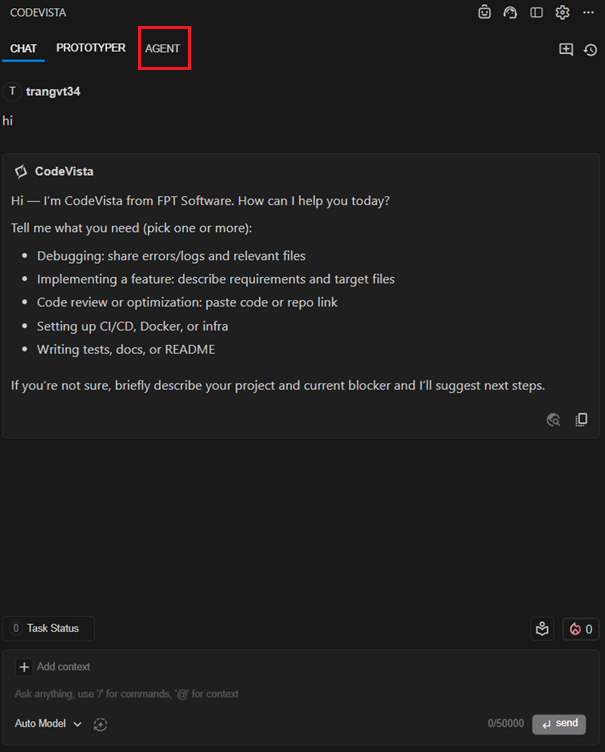
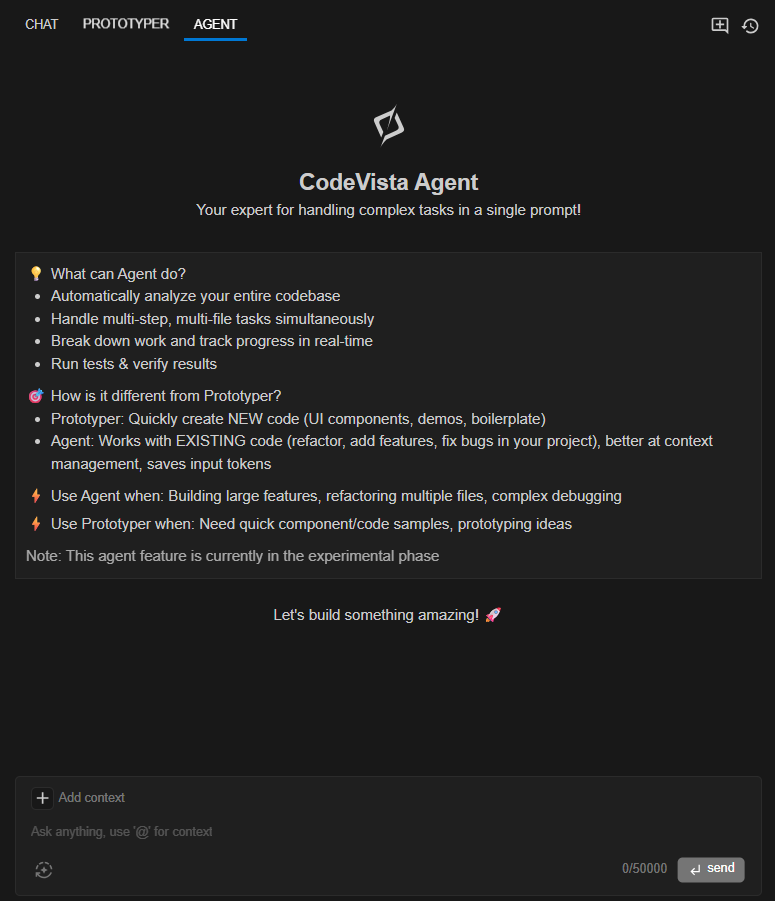
Step 1: Access CodeVista Agent
Step 2: Prepare your code project in your IDE
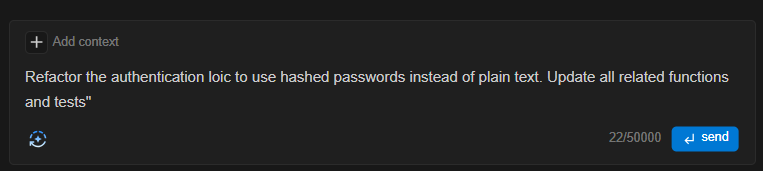
Step 3: Enter your prompt describing the task you want Agent to perform
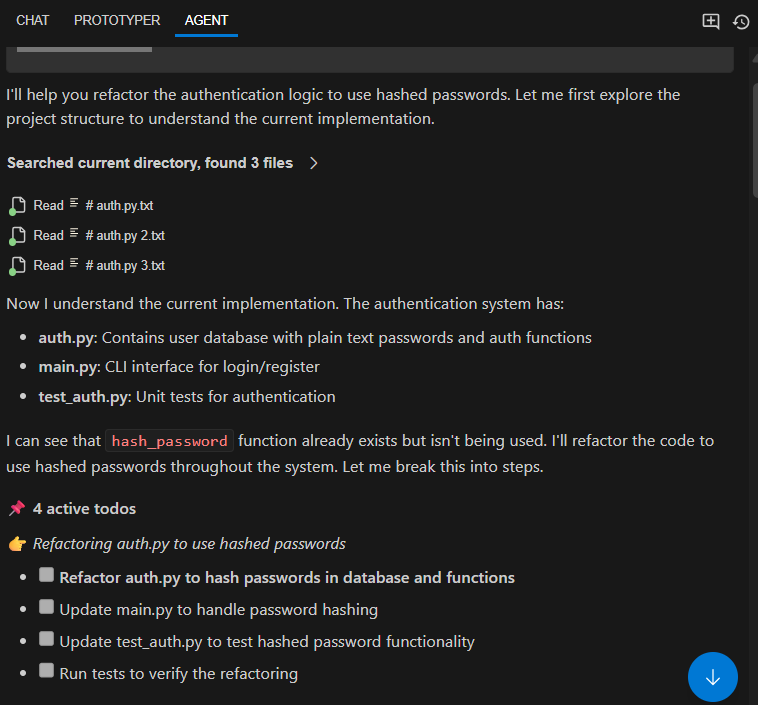
Step 4: Review the to-do list and the actions Agent plans to take.
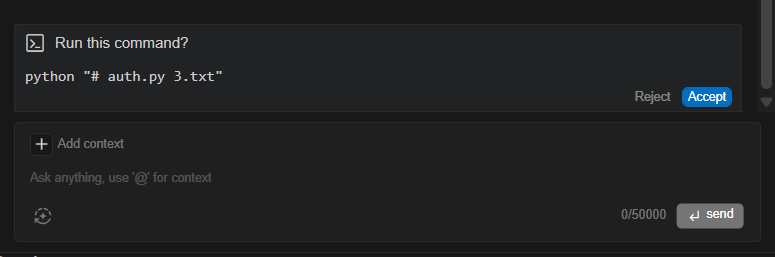
Step 5: When Agent suggests a command (e.g., to run code or tests), carefully review it.
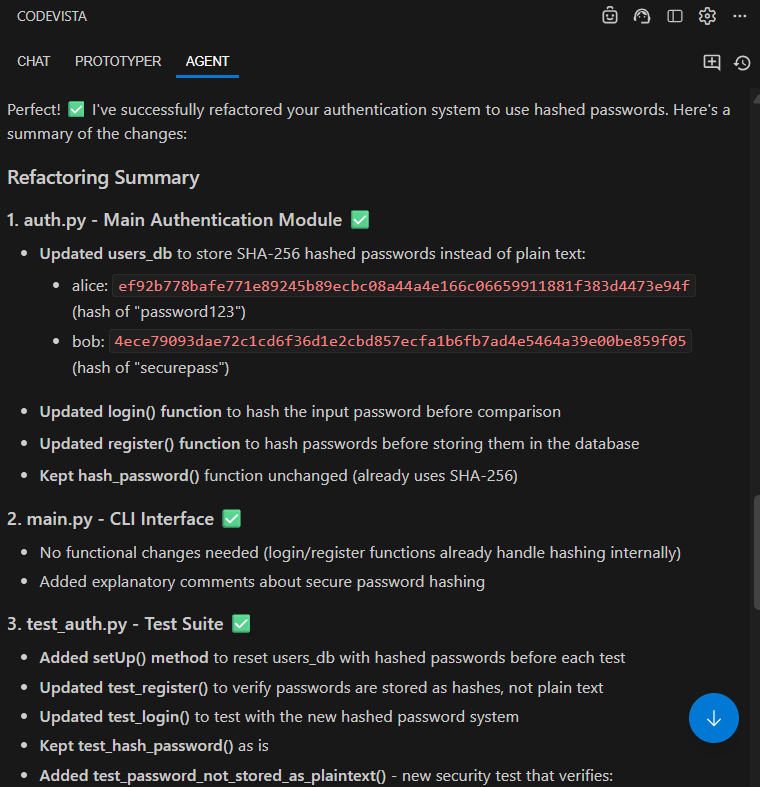
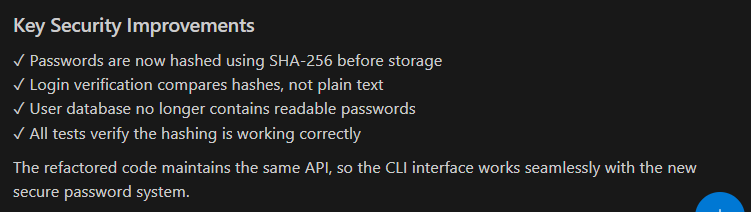
Step 6: Review the final summary. Your task is now complete!